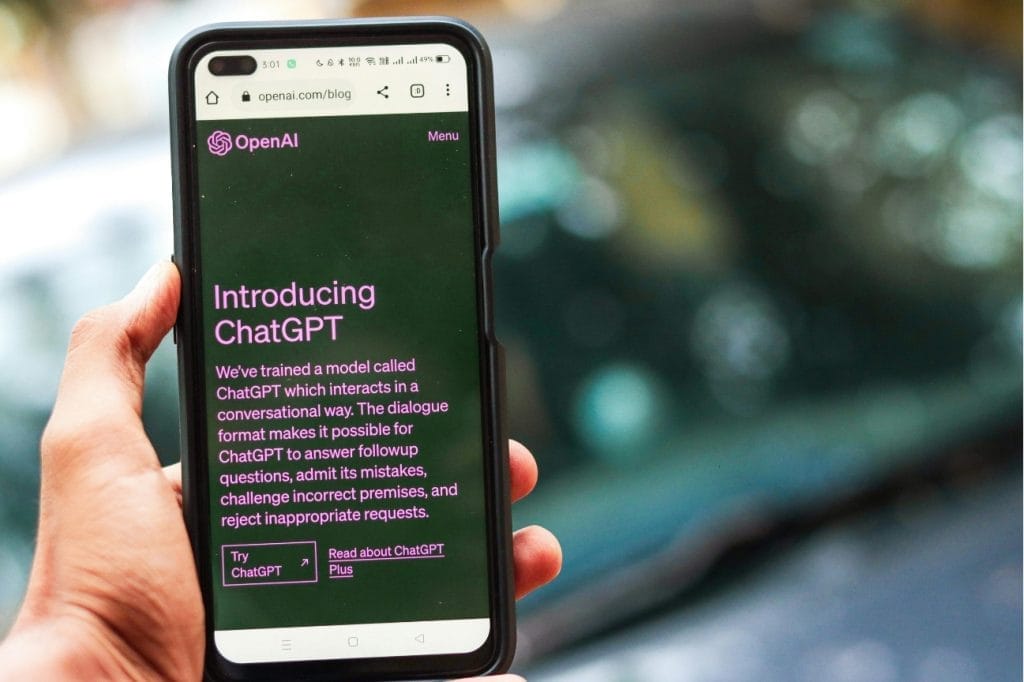
This course introduces participants to the fundamentals of prompt engineering – a technique used to guide AI systems like ChatGPT to produce accurate, relevant, and creative outputs. Through a structured approach using the RICCE framework, participants will learn how to craft effective prompts, apply modifiers, and explore the capabilities of various AI platforms including ChatGPT, Google Bard, Claude, and Microsoft Copilot. Designed for executives, managers, and staff looking to harness the power of generative AI, this course offers practical insights and hands-on experience to enhance productivity, decision-making, and innovation in the workplace.
Learning Outcome
Understand what prompt engineering is.
Applying prompt engineering for effective results.
Using prompt engineering framework in ChatGPT.
Using different text generation tools
Course Outlines
Topic 1: Introduction to Prompt Engineering
What is a Prompt?
Rules for effective prompt design
Topic 2: Using ChatGPT for Text Generation
Introduction to ChatGPT
ChatGPT versions (Free vs Subscription)
Navigating around ChatGPT
Topic 3: Elements of Effective Prompts
Introduction to effective prompts
The RICCE Framework
Applying Prompt Modifers
Topic 4: Exploring ChatGPT Tools Available in Subscription